
PRINTVIEW ALIGN / AEROLISM
Align a DXF outline with a photographed part
Use the geometry of the part to prepare the print mask and position your design.
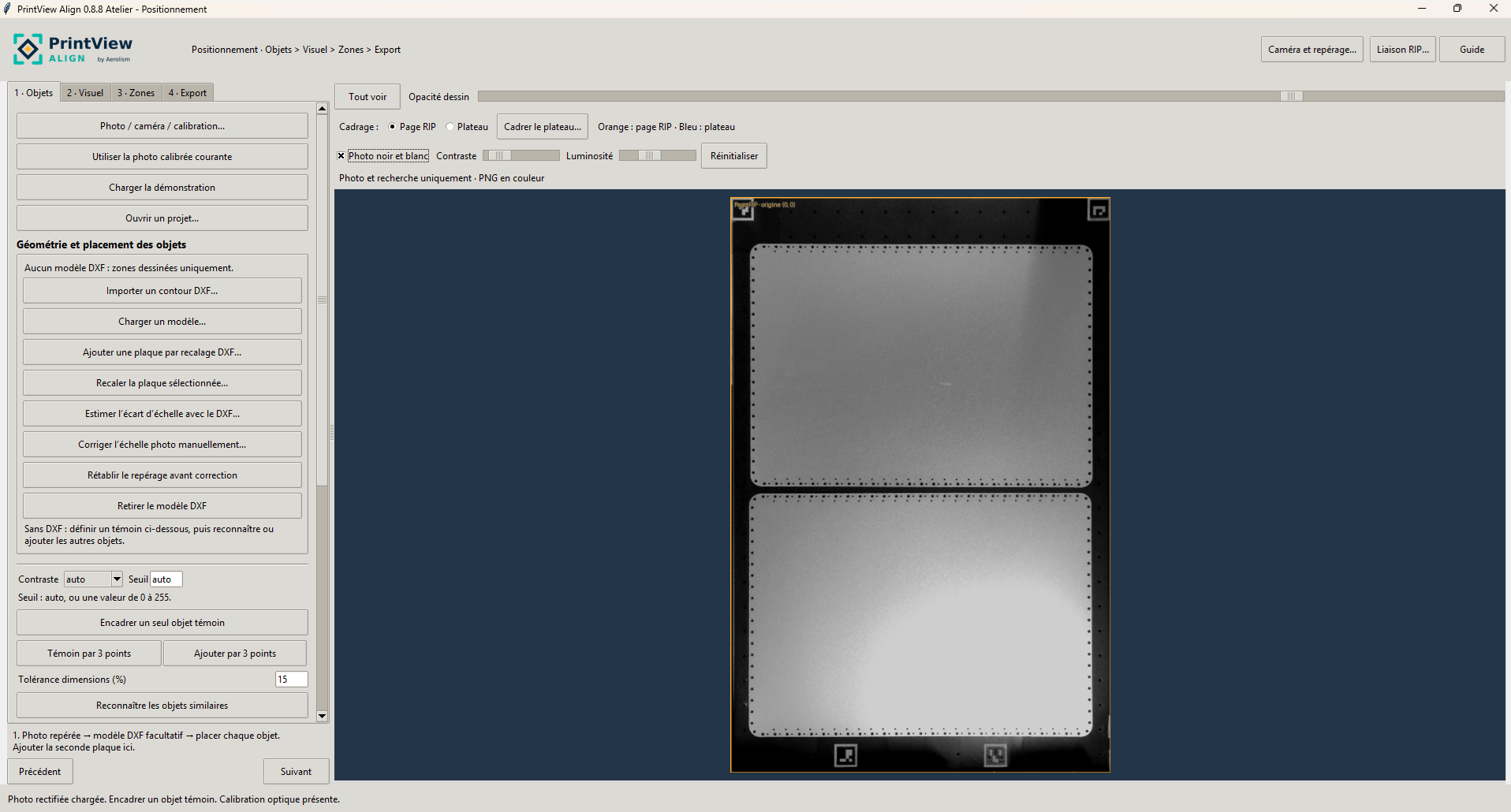
- Use a registered photo and import a closed DXF outline in millimetres.
- Frame the entire part and check the detected position and orientation.
- Place the PNG artwork, check the mask and transparent exclusions, and export the full-page PNG.
PrintView Align creates a digital print mask. Mechanical cutting is handled separately.
Outlines, margins and holes
Use one closed outer outline or an outer circle in millimetres. Circular exclusions keep holes transparent. Adjust the outline inset and margins around holes.
Check the file in your RIP
Verify physical size, origin and margins before printing a target on expendable material. The DXF diagnostic measures fit in the image. A physical target verifies print placement.